Why it exists
macOS has no way to just look at a video source.
QuickTime's New Movie Recording is a recording window that happens to show a
preview, and it hides the format controls completely. Everything else that will
show you a capture card is a streaming suite, an editor, or a conferencing app
that wants your camera for something else.
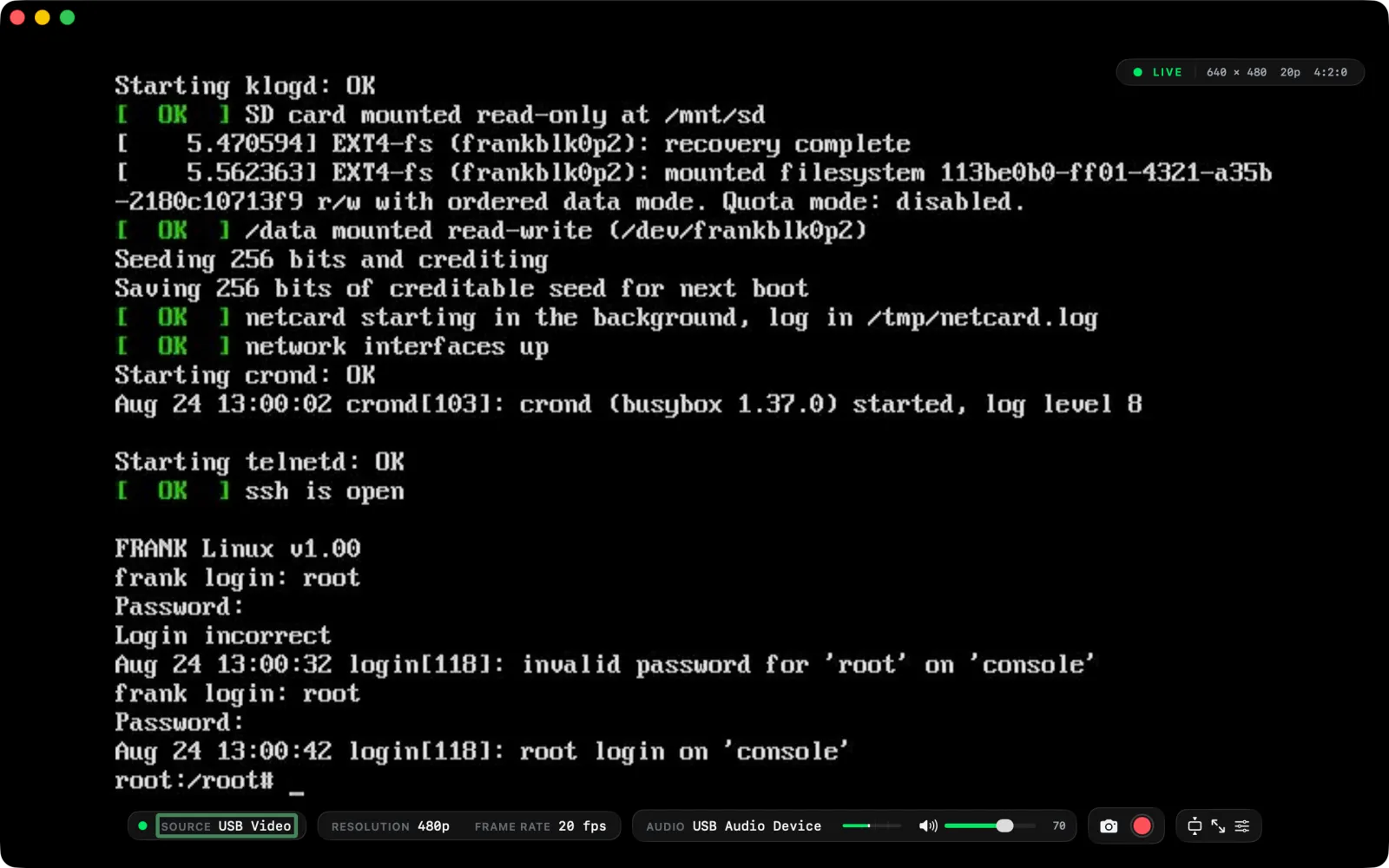
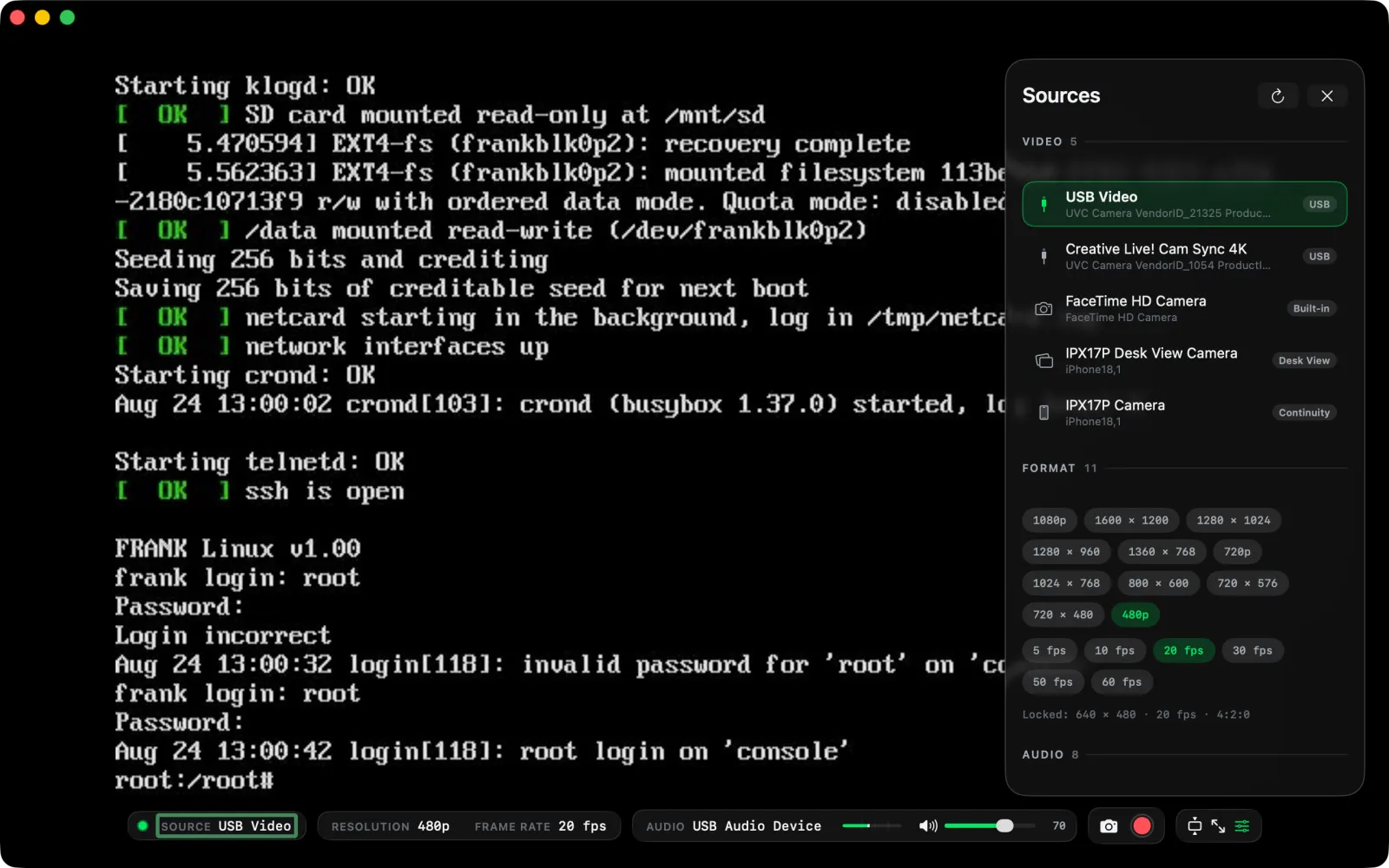
VideoMonk is the viewer instead. Choose a source, set its resolution and frame
rate, choose an audio input, set the level, and watch. It works with anything
macOS recognises as a camera: the built-in FaceTime camera, USB and UVC capture
cards, HDMI-to-USB adapters, Continuity Camera, and Desk View.
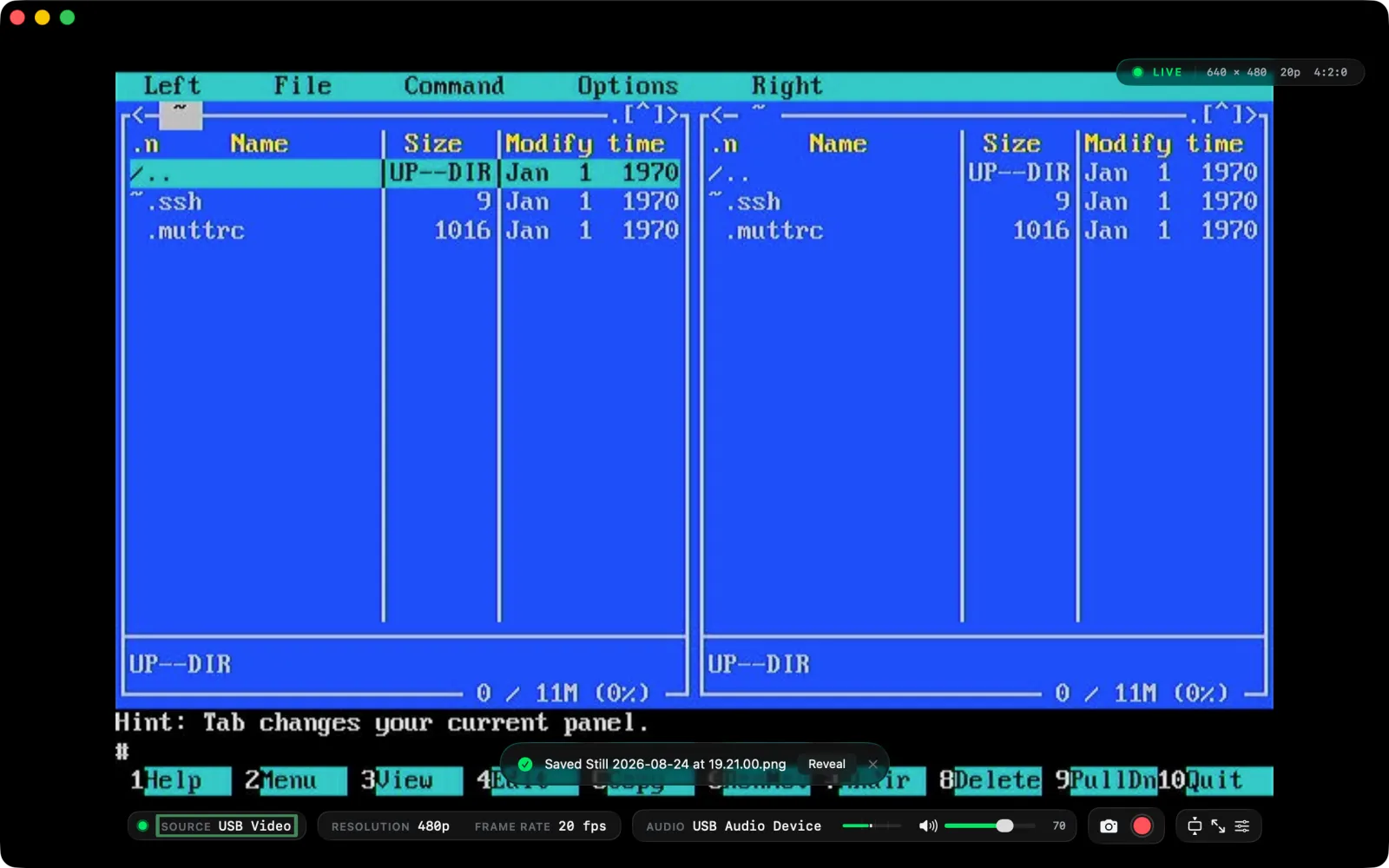
No accounts, no ads, no in-app purchases, and no network access. Stills and
recordings are written to your own folders and stay there.
 VideoMonk